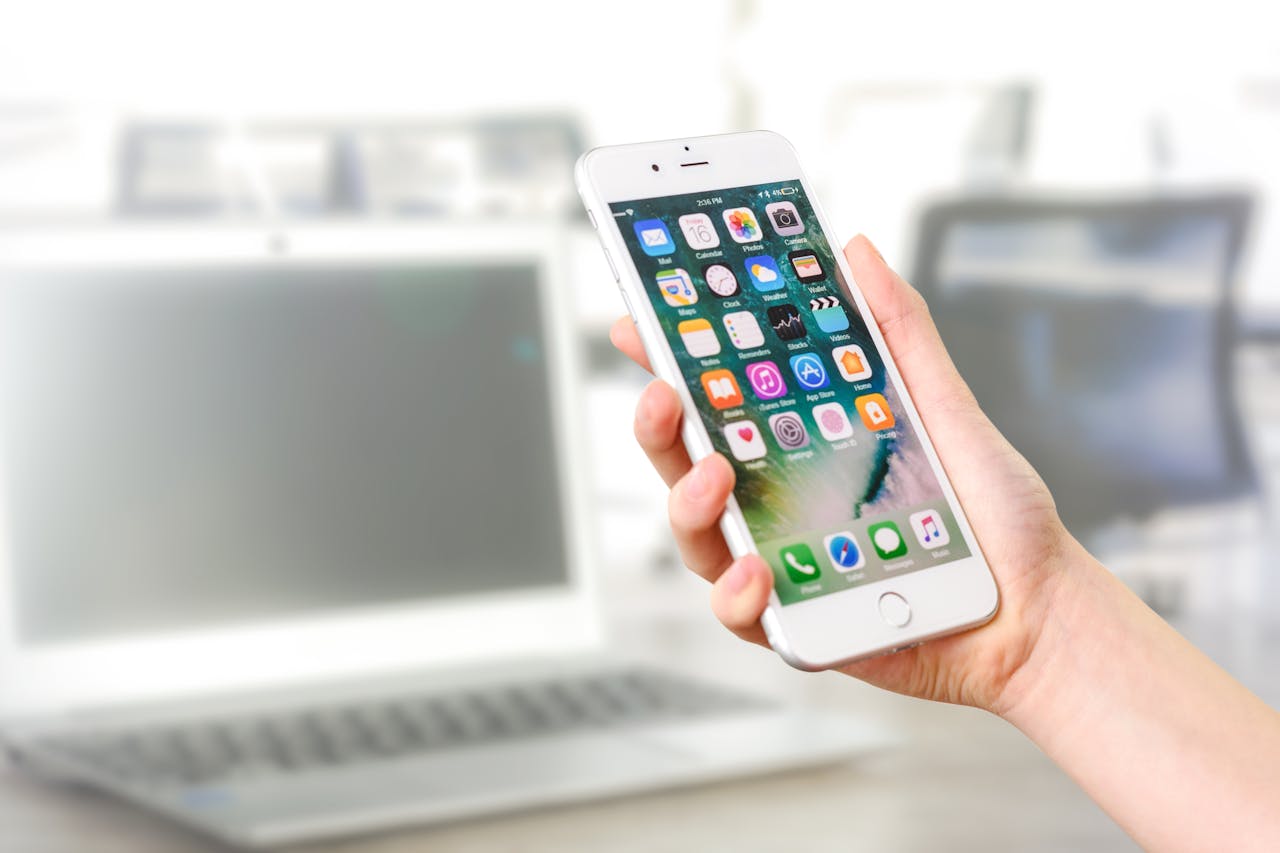
Your old iPhone is on its last legs, or so it seems. Maybe the battery dies every two hours, or your camera won’t focus anymore. Or maybe you just feel like you’d rather have a newer phone. Sometimes, an inexpensive repair or some troubleshooting is all you need to get your old iPhone running like new. Other problems may not be fixable. If your old phone has issues, you may be wondering if you should repair or replace it. And if you’ve heard about the improvements on newer phones, you might wonder if they’re worth the cash.
We put together this easy guide to help you understand whether it’s really worth it to upgrade your iPhone in 2022, or if you should stick with what you have for a year or two longer. Whether your iPhone is falling apart or you just have your eye on something newer and shinier, we can help make sense of your options. We’ll walk you through all the things you need to think about: the age of your iPhone, the battery, the camera, the screen, a slow/glitchy phone and any other issues that might have you considering an upgrade.
The age of your iPhone
You don’t have to upgrade your iPhone based on age alone if it’s still working for you. iPhones are long-lived devices, and receive up to 7 years of software updates. But if you’re using an iPhone 6 or older and your phone is feeling its age, it may be time to start looking at an upgrade.
Phones this old are more prone to issues like connectivity problems and slow software that can’t be easily fixed. Plus, they’re stuck on iOS 12 or earlier, at least three updates behind the latest version. Because all newer iPhones get updates, many apps are phasing out support for phones on iOS 12.
If you decide it’s time to switch, we suggest choosing a phone at least 2 or 3 years newer than what you have now, to make sure the upgrade is worth it. You wouldn’t want to buy a new phone only for it to become outdated next year too.
For the iPhone 6 or earlier, this means looking at an iPhone 7 or newer. Many phones a few generations newer than the iPhone 6 are quite affordable, even compared to repair costs.
If you’re convinced, check out the iPhone quiz to see which phone is right for you.
Battery issues
If you have an iPhone 8 or newer with a bad battery, a battery replacement is likely your best bet — unless you have another compelling reason to upgrade.
Battery replacements are $65-90 from Apple, depending on your model. That’s way less than what an upgrade would cost you. And if you go third-party, the repair will cost even less (but be careful to choose a trusted repair service that uses high quality parts). We think this is worth it for most to get another two years or more out of their phone.
Of course, even with a brand-new battery, older phones won’t stand up to the battery performance you’ll get in a newer model. But most find the battery life on the iPhone 8 (and up) is good enough for the average person. If you’re a power user and you don’t have time to get a full charge, you may want to look at an iPhone 11 or newer for the best battery life you can get.
If you have an iPhone 6S (or lower) with a battery issue, it’s worth thinking about a newer phone instead. By today’s standards, the batteries in these phones are low-performance. The phones themselves are not supported with the latest updates (or in the case of the 6S, will likely be dropped soon). And the 6S sometimes has battery issues even after the battery is replaced.
Camera problems or camera quality
Camera won’t focus, has black dots or moves around erratically? You need a new iPhone camera. Unfortunately, Apple charges hundreds of dollars for out-of-warranty camera repairs.
A third-party repair is much more affordable, at around $60-100 for most older models. If you just want a working camera on a phone you’re otherwise happy with, we’d suggest this route.
But if you’re interested in a newer, better camera than the one you already have, reviews can tell you whether an upgrade will make a big difference. For an iPhone 8 or older, the camera improvement from an upgrade will be noticeable. Since the iPhone X, improved hardware and better algorithms have elevated iPhone photography to the professional level.
Between one generation and the next, the photos are usually not drastically better. For a real camera upgrade, we suggest going up at least 2-3 generations from what you have now. Check out the iPhone quiz to see which phone is right for you.
Slow or glitchy phone
If your phone is capable of updating to iOS 15, there’s a good chance that any software glitches or a slow phone can be resolved with a bit of troubleshooting.
First, make sure your phone has some available storage left. Buggy software can be the result of a phone that’s packed completely full with data. Cloud services like Dropbox and Google Photos or Google Drive can help you offload files to free up space. But if your phone has less than 64 GB of total storage, you may find yourself constantly battling for more room — unless you upgrade to something with more space.
If you’re not already on the latest iOS version, we’d also suggest updating your OS. Apple frequently fixes bugs in new versions of iOS, so there’s a pretty good chance a software update will help.
Still experiencing slowness or glitches? Our last suggestion is a factory reset. Back up your data with iCloud or iTunes, then head to Settings > General > Reset > Transfer or Reset iPhone. Follow the prompts to confirm, including acknowledging that this will completely erase your phone — so hopefully you did that backup.
If none of this helps, your phone may have an internal issue, or simply be too old to handle your needs anymore. As we mentioned above, we usually suggest going up at least 2 or 3 generations when you upgrade, to make sure you get your money’s worth.
Screen damage
Cracked screen? Our advice: get a fix or an upgrade ASAP. Using a phone with a cracked screen is a bad idea and can lead to worse issues over time, especially if the phone ever gets wet.
Unfortunately, screen repairs tend to be expensive. Getting a phone’s screen replaced is often close to the cost of buying the same device used. But if you prefer to stick with what’s working for you or don’t want to pay for a more expensive device, it may be the right option.
Whether to get the screen repair or shell out more for an upgrade depends on how much longer you plan to keep the phone. If you were going to upgrade pretty soon anyway, this might be the time to do so. If your phone is newer, the screen repair may be more economical, even if it costs a lot.
Screen size
Are you hanging on to your iPhone 5S or older because you don’t want a huge phone? We get it. If you’re attached to small screens, you may find the 4.7" iPhone 8 or SE (2020) isn’t a bad compromise. Or, if you can spend a little more, check out the iPhone 12 Mini for a phone that’s the same size as the 5S, but with an edge-to-edge display.
On the other hand, a larger screen is obviously something you can’t get without an upgrade. If your phone is too small for you, you’ll need a newer one for a better viewing experience. The largest iPhones today are the 6.5" - 6.7" Max models (from the XS, 11 Pro, 12 Pro and 13 Pro lines). For a moderate boost in screen size, the 6.1" XR, 11 or 12 would be a good bet.
Other issues
- Microphones and speakers commonly break, but they’re not too expensive to fix. We’d usually suggest a repair over a replacement phone in this case. An exception is the iPhone 7. On these phones, sound issues can reflect a motherboard problem. You can check this by trying to put a phone call on speakerphone. If that doesn’t work, your phone has an audio chip issue. You’ll need to immediately back up your data, and most likely replace the phone.
- Charging ports are also relatively inexpensive to repair. But first, try cleaning the charging port with the end of a paperclip. Really get in there and scrape out the gunk! Often this will get your phone charging again.
- Home buttons can be fixed — sort of. Third-party Home button repairs will come without Touch ID, so you’ll need to be prepared to go passcode-only. Before anything else, try cleaning it with rubbing alcohol, which can resolve a sticky button.
- Other buttons can be repaired without loss of function, but try cleaning first.
- Network issues, unfortunately, usually can’t be fixed. You’ll need a replacement most of the time.
- The same goes for bootlooping (a phone that is stuck in a reboot cycle).
- If your phone won’t turn on, it may be fatal issue with the phone, or just a battery or charging port issue. A good repair shop will offer a free diagnosis by temporarily replacing these parts to see if the problem can be fixed.
- Not enough storage? As we discussed under “Slow or glitchy phone,” you can save storage by using a service like Dropbox or Google Photos, or simply importing files to your computer. But as app sizes get larger every year, you may find a phone with more storage is worth your money.
If you choose to repair your phone, make sure you choose a reputable repair shop with a good warranty. Check customer reviews first, and get all repair agreements in writing.
You’re tired of your old phone
If you’re just plain tired of your old phone and think you want something new, there’s nothing wrong with that! Phones get better all the time, so you don’t need a problem with your old phone to justify getting a new one.
And no worries about a perfectly good phone going to waste. Sell it to Orchard and we’ll give it a loving new home. You can even put the proceeds toward your next device.
Usually you’ll want to get something at least 2 or 3 generations newer to feel like an upgrade. But you can take our iPhone quiz to see what device might be right for you. And if you shop with Orchard, one of our friendly Customer Advocates will be happy to help you narrow down your choices, 7 days a week.
Since 2014, Canadians have trusted Orchard for used phones that work. Our phones come with 5-star customer support, free shipping anywhere in Canada, and free returns within 90 days — no questions asked.